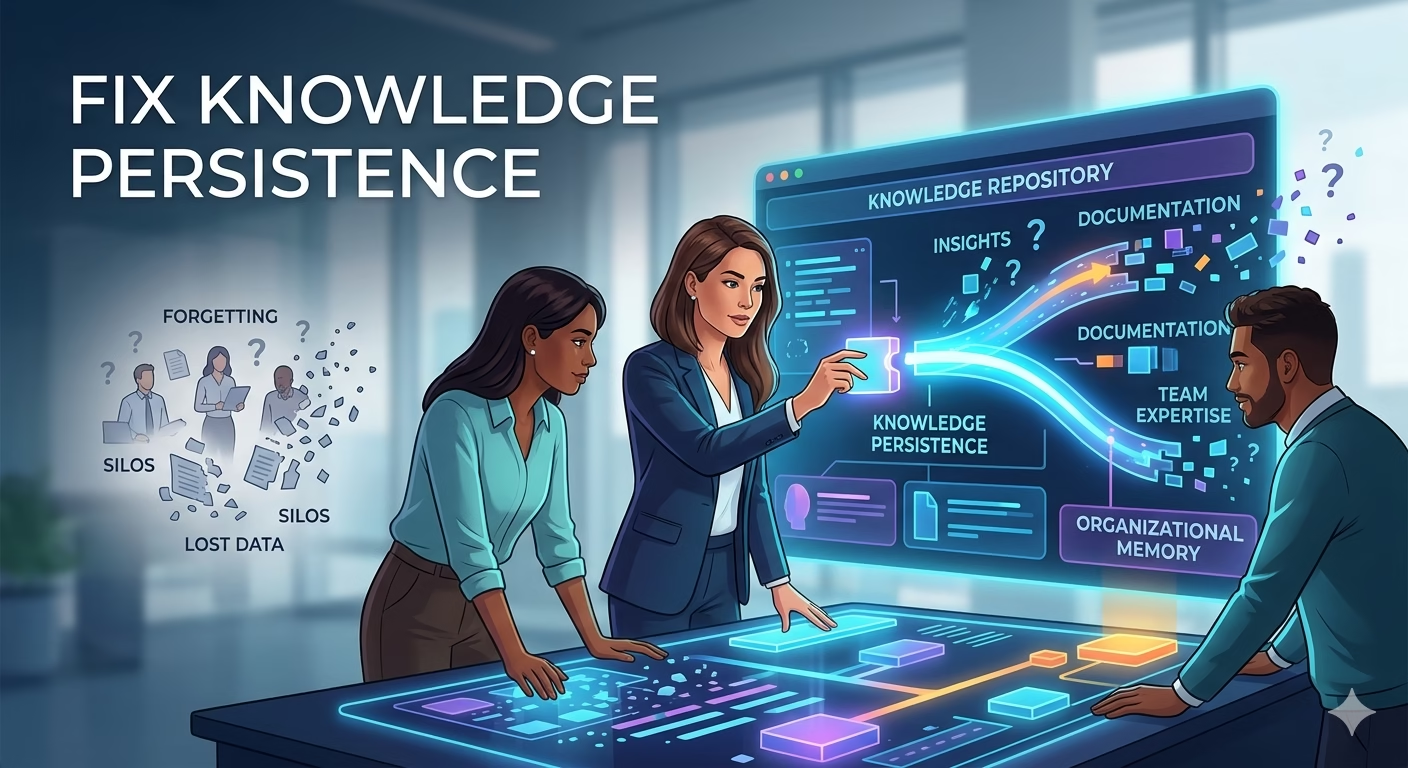
Why Remote Teams Forget Decisions and How to Fix Knowledge Persistence
Your remote team just spent three weeks debating whether to migrate to a new database architecture. The decision was made. The project moved forward. Then six months later, a new team member asks why you didn’t choose the simpler option, and nobody can remember the reasoning. You’ve lost the context that informed one of your biggest technical decisions, and now you’re rehashing arguments you thought were settled. This scenario plays out in countless remote organizations every single day. According to research from the McKinsey Global Institute, knowledge workers spend 1.3 hours per day searching for and gathering information (McKinsey Global Institute, 2017), and remote teams lose an estimated 30 percent more institutional knowledge than co-located teams (Owl Labs State of Remote Work, 2023). Here’s how project leaders can prevent decision decay and build knowledge persistence with practical, documented strategies.
The Problem: How Remote Teams Forget Decision Rationale
When your team works across time zones and communication channels, decisions don’t just fade from memory: they get actively buried. A decision made in a Slack thread disappears under new messages. An important email gets archived. A video call recording sits unwatched because transcription is incomplete. Unlike co-located teams where hallway conversations reinforce context, remote teams lack the ambient knowledge that comes from proximity.
The real cost isn’t just inconvenience. When team members can’t access the reasoning behind past decisions, they waste time reconsidering settled choices, duplicate work, and make decisions that contradict earlier commitments. A study from GitLab found that 60 percent of remote workers struggle with disconnection from organizational goals and decision-making processes (GitLab Remote Work Study, 2022). Without documented decisions, your team becomes vulnerable to decision decay: the gradual erosion of context that makes previously sound choices look arbitrary or wrong.
Decision decay typically happens through three mechanisms. First, personnel turnover means new team members never learn the original reasoning. Second, changing circumstances make the historical context feel irrelevant even though the logic remains sound. Third, asynchronous communication means decisions get made without full synchronous discussion, so only fragments of reasoning exist in anyone’s mind.
Anatomy of a Forgotten Decision: When Lost Context Costs Real Time
Consider the experience of a mid-size fintech company that restructured how they handle customer data processing. Six months into their migration, they realized they were building a feature that contradicted an architectural decision made during the initial planning phase. The decision had been documented in a meeting invite titled “Data Architecture Discussion” and discussed in a Zoom call that nobody had transcribed. When the new developer started, she inherited work without the historical context. The team spent two weeks rebuilding work that could have been prevented if the decision and its reasoning were accessible.
Another example comes from a software team that decided to deprecate an API endpoint in favor of a newer implementation. The decision seemed obvious at the time: the new endpoint was more efficient. But eighteen months later, when a critical client requested backwards compatibility, the team had to trace the original decision logic from scattered Jira comments and email threads. The developer who made the original decision had moved on. Nobody could articulate why the new endpoint was chosen over a compatibility layer approach. The delay in reconstructing that reasoning cost the company a week of rushed development and strained the client relationship.
These situations repeat across organizations because the knowledge exists but isn’t persistent. It lives in people’s heads and gets lost when those people move on, take time off, or simply forget details from months ago. The solution isn’t to document everything: it’s to document the decisions that shape your work and integrate that documentation into how your team actually operates.
Implement an Architecture Decision Record System for Technical Choices
Start by establishing a structured approach to capturing decisions that affect your architecture, technology choices, and process changes. An Architecture Decision Record, or ADR, is a lightweight document that captures a single decision, including the options considered, the rationale for the choice, and the consequences of that decision. The format ensures that future team members can understand not just what was decided, but why.
An ADR typically includes five elements: the decision title, the context that prompted the decision, the decision itself, the rationale for choosing that option over alternatives, and the consequences or trade-offs that resulted. For example, instead of a vague decision note saying “We chose PostgreSQL for the database,” an ADR would read: “Decision: Use PostgreSQL instead of MongoDB for the user service database. Context: We needed a database that could handle complex relational queries and required strong ACID guarantees for financial transactions. The alternative was MongoDB, which offers easier horizontal scaling but weaker transaction support. Rationale: Our schema is inherently relational, and data consistency is non-negotiable for our use case. MongoDB’s flexibility isn’t necessary here. Consequences: We gain reliable transactions but accept less horizontal scaling flexibility.”
Research on decision documentation shows that teams with formal decision-capture processes complete projects 23 percent faster because they avoid reworking decisions and can onboard new team members more quickly (Project Management Institute, 2019). The key is making ADRs easy to write and easy to find. Store them in a version-controlled repository or shared wiki, number them sequentially, and link to them from related work. When someone wants to change a previous decision, they create a new ADR that supersedes the old one, creating a chain of reasoning that helps future team members understand how your approach evolved.
Create a Decision Journal and Build It Into Your Weekly Workflow
While ADRs work well for major technical decisions, your team also makes smaller but important choices that need documentation: which third-party service to use, how to handle a specific edge case, what tradeoff to accept for a feature. These decisions deserve capture too, but ADRs feel like overkill. This is where a decision journal comes in.
A decision journal is a simple log that you update during or immediately after team decisions. Each entry includes the date, the decision, why it was made, who was involved, and where to find supporting context. The journal can be a shared document, a wiki page, or even a dedicated Slack channel pinned message that gets transferred to a wiki monthly. The critical element is making it easy enough to update that your team actually uses it.
Implement this by assigning one person per meeting to capture decisions in real time. Make it a formal rotation so that every team member develops the discipline of documenting as they decide. At companies like Basecamp, this is built into their meeting culture: they assign someone as the decision logger, and every meeting produces a dated entry in their decision log. This takes three minutes per meeting and saves hours of future searching and rethinking.
Studies on knowledge management show that teams who capture decisions in real time retain 70 percent more context about those decisions one year later compared to teams that document retroactively (MIT Sloan Management Review, 2021). The immediacy matters because you remember not just the decision but the reasoning, the alternatives you considered, and the uncertainties you faced. When you wait weeks to document something, that nuance disappears.
Make Documentation Sticky Through Templates, Triggers, and Review Cycles
Knowing you should document decisions and actually doing it are two different things. The gap exists because documentation feels like extra work layered on top of project work. The fix is to embed documentation into your existing workflow through three mechanisms: templates that reduce decision fatigue, triggers that remind you to document, and review cycles that keep documentation alive.
Templates eliminate the blank page problem. Instead of asking your team to write comprehensive decision documentation from scratch, provide a simple template with fill-in-the-blank sections. A template might look like: “We chose [option] because [reason]. We considered [alternative] but [why we rejected it]. The main tradeoff is [consequence].” This takes ninety seconds to complete rather than five minutes of staring at a blank page.
Triggers are the second element. Identify moments when decisions naturally happen and build documentation into those moments. When someone opens a pull request, the template includes a decision section. When a project moves to the next phase, a planning meeting includes a decision documentation step. When you close a ticket marked as a design decision, create an entry in your decision log. Triggers work because they’re automatic: you’re already doing the thing, so adding documentation feels like a natural part of the process rather than an extra chore.
Review cycles are the third element and the most overlooked. Documentation decays not from bad writing but from being ignored once written. Combat this by scheduling quarterly reviews where your team revisits major decisions from the past twelve months. Ask: Is this decision still valid? Has the context changed? Do new team members understand this? Are we actually following what we decided? This keeps documentation alive and signals that decisions matter.
Companies that implement quarterly decision reviews see a 45 percent increase in documentation accuracy over time because people know their decisions will be revisited (Harvard Business Review, 2020). The review doesn’t need to be lengthy: fifteen minutes in a team meeting, reviewing five to ten major decisions, asking whether anything has changed. If the decision is no longer valid, update the log. If the context has shifted, note it.
Consolidate All Decision Information Into a Searchable Knowledge Base
Having documentation in three different places: ADRs in GitHub, decision journals in a wiki, and scattered emails, is almost as bad as having no documentation at all. Your team won’t search everywhere, so information gets lost behind whichever system they don’t check.
Solve this by consolidating everything into a single searchable location. This could be a dedicated wiki, a Notion workspace, a knowledge base tool like Confluence, or even a well-organized GitHub repository with a clear README. The system matters less than the consistency. Every decision, whether it’s a major architectural choice or a minor process change, goes to the same place. Everything is tagged and dated. Everything is searchable.
Make this knowledge base part of your onboarding process. When someone joins your team, the first thing they do is spend an hour reviewing major decisions made in the past year. This isn’t a punishment: it’s context. It’s the equivalent of the conversations a new hire would have had over three weeks of lunches if they worked in your office. You’re compressing that into focused reading.
Common tools for this include Notion, which allows flexible templates and good search; Confluence, which integrates with many tech stacks; or even a well-structured wiki on GitHub that gets rendered as a website. The specificity of the tool matters less than the discipline of using it consistently. Slack’s answer to knowledge persistence is a good example: they built a dedicated space called Slack Canvas for team decisions and documentation, and teams that use it report spending 30 percent less time in meetings because context is available asynchronously (Slack State of Work Survey, 2023).
Immediate Actions You Can Take This Week
Don’t wait for a full system overhaul. Start with these concrete steps today.
First, choose one decision from the past month and document it properly. Write down what was decided, why, what alternatives were considered, and what the tradeoffs are. Make it your template for all future decisions. This takes thirty minutes and establishes your standard.
Second, identify your three most important recurring meetings and assign a decision logger to each one. Give that person a two-sentence job: capture decisions made in this meeting and post them to your shared knowledge location within twenty-four hours. Do this for one month, then evaluate whether it worked. Most teams find this pays for itself within a week.
Third, create a simple decision log template in your preferred tool: Slack, wiki, Google Doc, whatever. Add it to your next team meeting and document that meeting’s decisions using it. Show the team where you put it. Ask them to reference it when they need context. Start with one meeting, then expand once the habit forms.
Transforming Documentation From Chore to Strategic Asset
Remote teams don’t have to accept institutional amnesia as the cost of distance. The teams that avoid decision decay aren’t more disciplined by nature: they’ve engineered discipline into their systems. They’ve made documentation easier than searching for old information. They’ve made decisions visible rather than hidden in email threads. They’ve built review cycles that keep their knowledge base alive.
When you do this consistently, documentation stops feeling like a burden and becomes a strategic advantage. Your team moves faster because you’re not rediscovering decisions. Your new hires ramp up faster because context is available. Your project plans are more stable because decisions are connected to their reasoning. Your organization becomes smarter because knowledge persists.
Start small. Document your next decision properly. Share your decision log with your team. Review it in three months and see what changed. Then let us know how it went. What decision that you made months ago would you like to have documented right now? That’s your starting point.